
Add files to M-Files from the Share menu
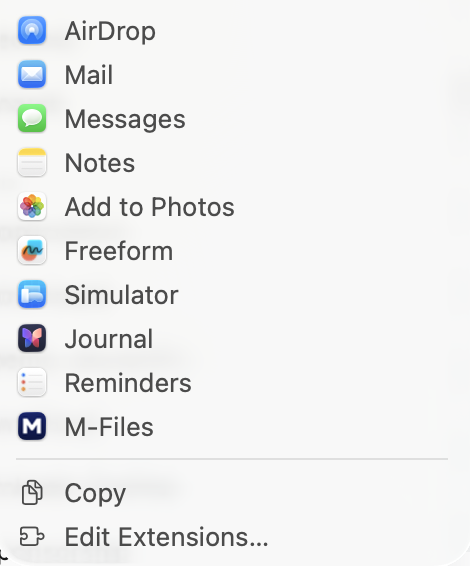
Apps that have a Share menu can send to M-Files: Safari, Mail, Preview, Photos and many more.
- In the app, click the share button or choose File ▸ Share.
- Choose M-Files.
- With one saved connection, the metadata card opens straight away. With several, pick the vault first.
- Choose a class, fill in the properties and click Create.
Files go into the vault as they are. A web link becomes a .webloc file and text becomes a .txt file. It works like Add to M-Files in Finder; see Add files to M-Files from Finder.