
Add files to M-Files from Finder
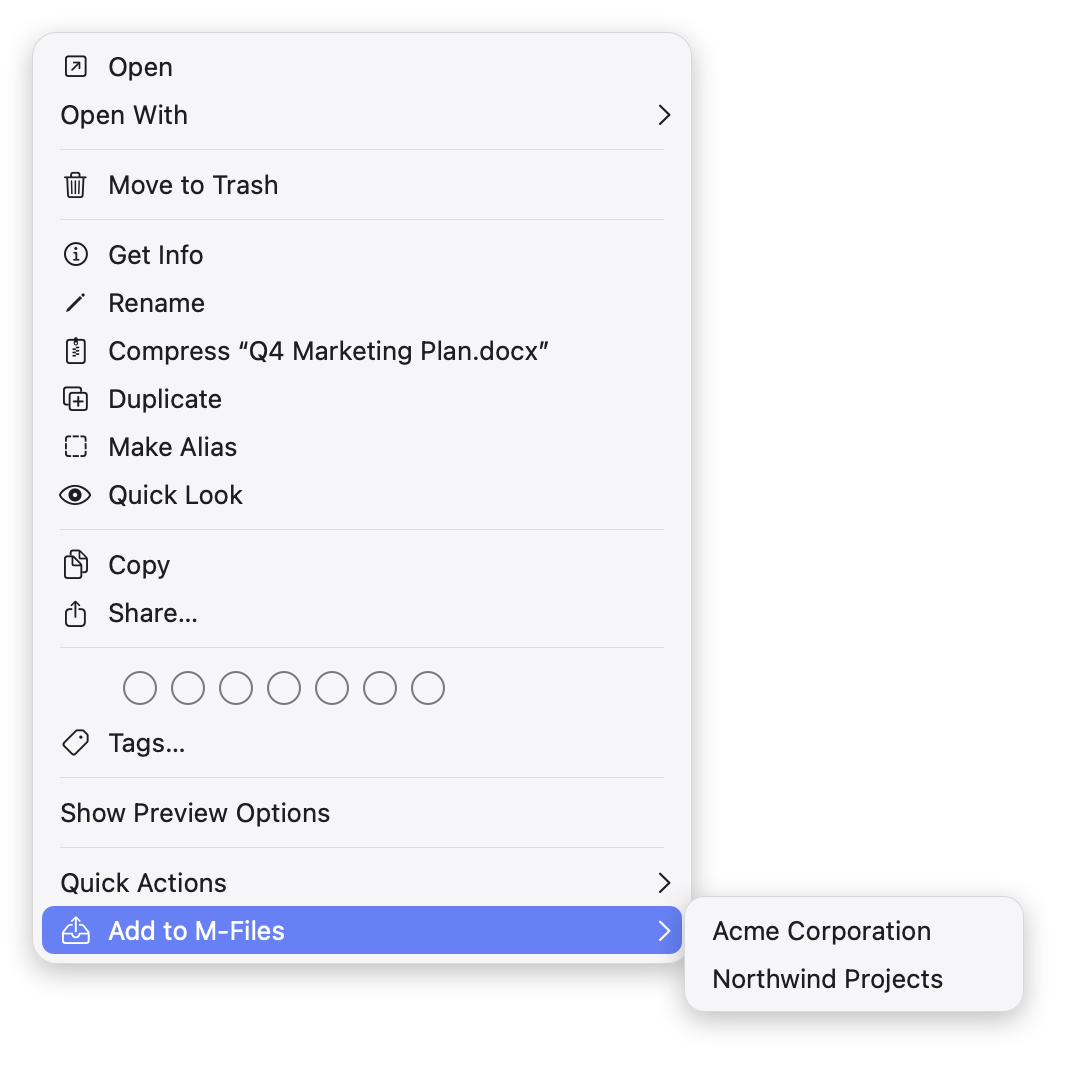
- Select one or more files in Finder.
- Right-click and choose Add to M-Files. With several connections, pick the vault from the submenu.
- Fill in the metadata card and click Create.
The files are only read; they stay where they are. M-Client starts in the background if it is not running.