
Preview documents with Quick Look
Select a document and press Space, or ⌘Y, to see its file in Quick Look, the same preview as in Finder. Press Space again or Esc to close it.
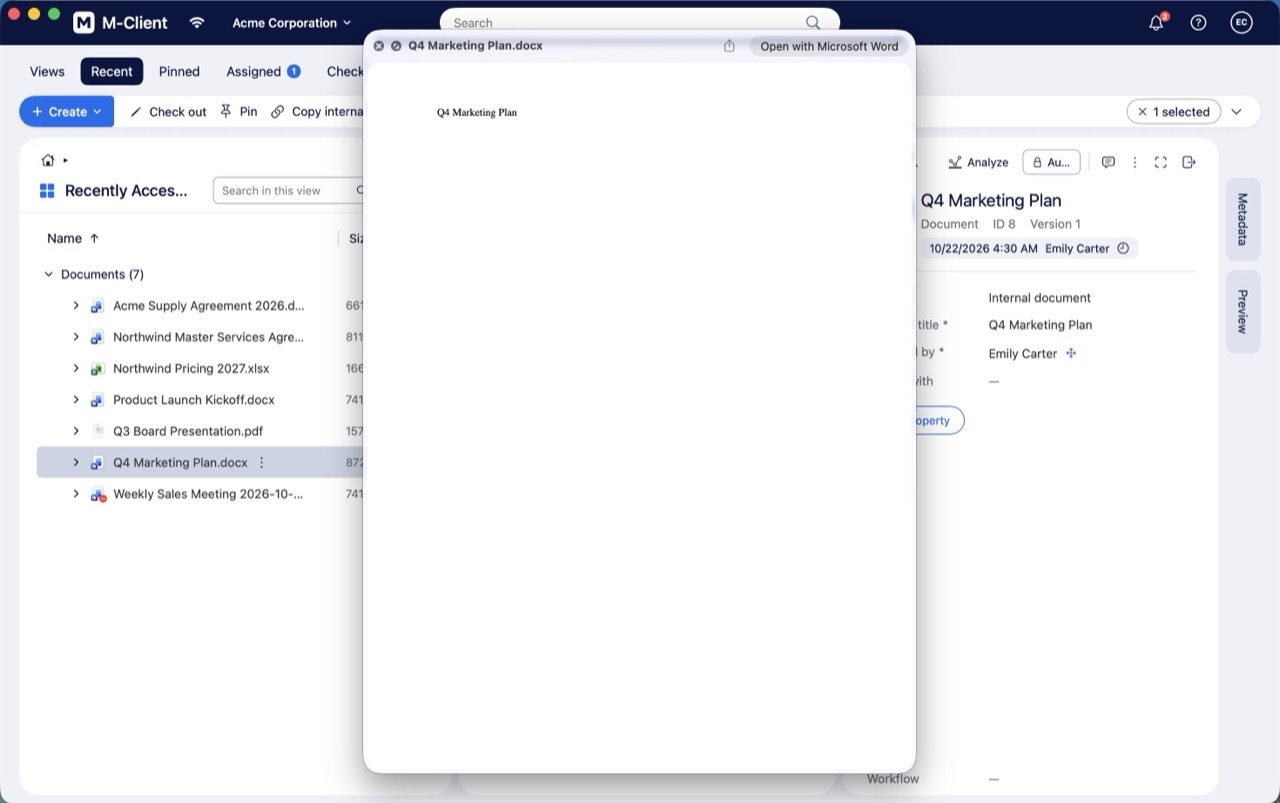
Quick Look does not check the document out. To edit it, see Open, check out and check in documents.