
Create a document
- Click Create in the action bar, or press ⌘N.
- Choose a class, then a template, a blank file type (Word, Excel, PowerPoint, text, Markdown, CSV and more) or Upload file….
- Fill in the metadata card. Required fields are marked with an asterisk.
- Click Create. Choose Open for editing to start writing, or Check in immediately.
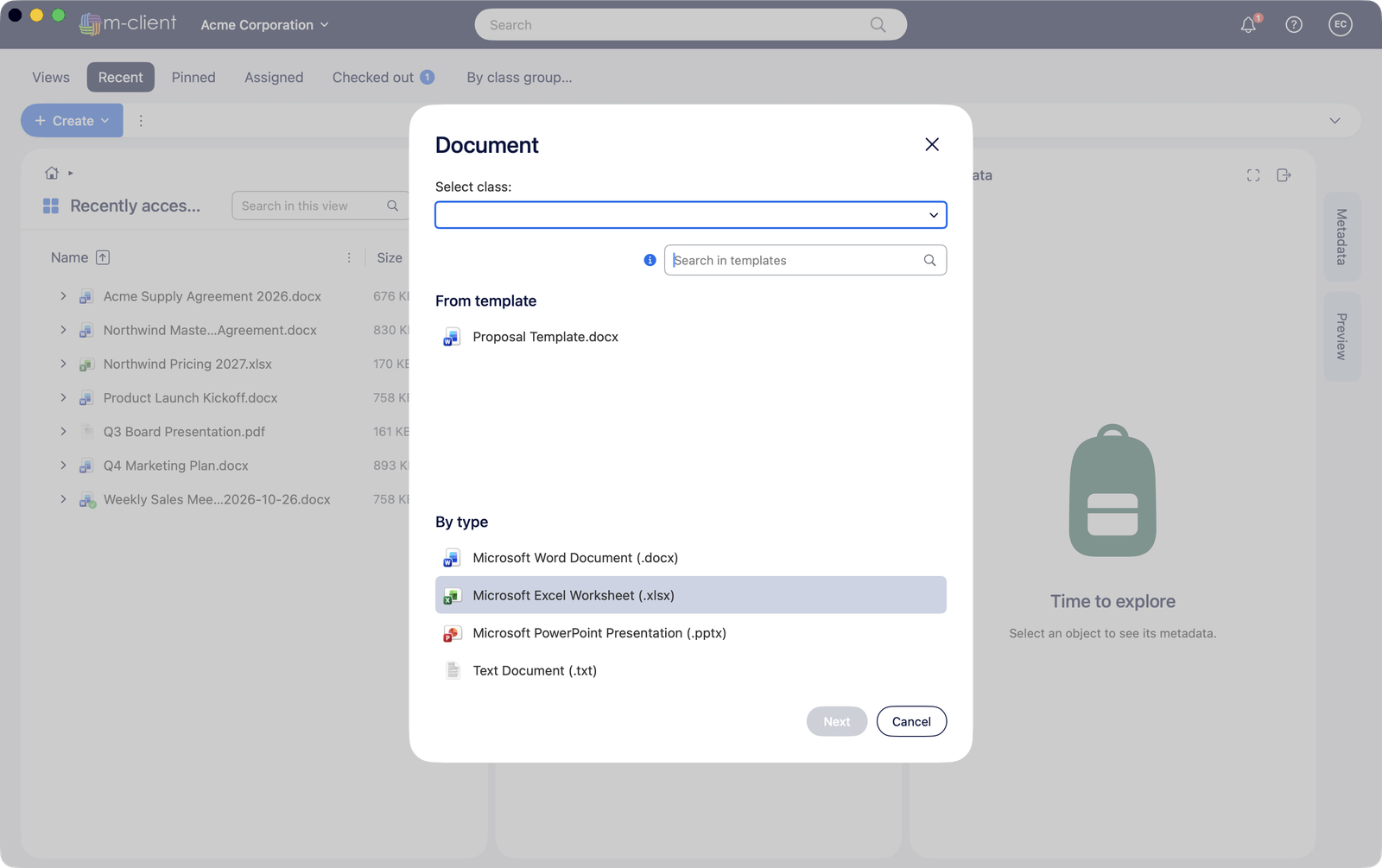
When you create a document inside a view, M-Client fills in the view's properties for you, like M-Files Web does. A template's metadata is copied to the new document's card.