
Version history and rolling back
Right-click a document and choose Open version history. The listing shows every version, newest first.
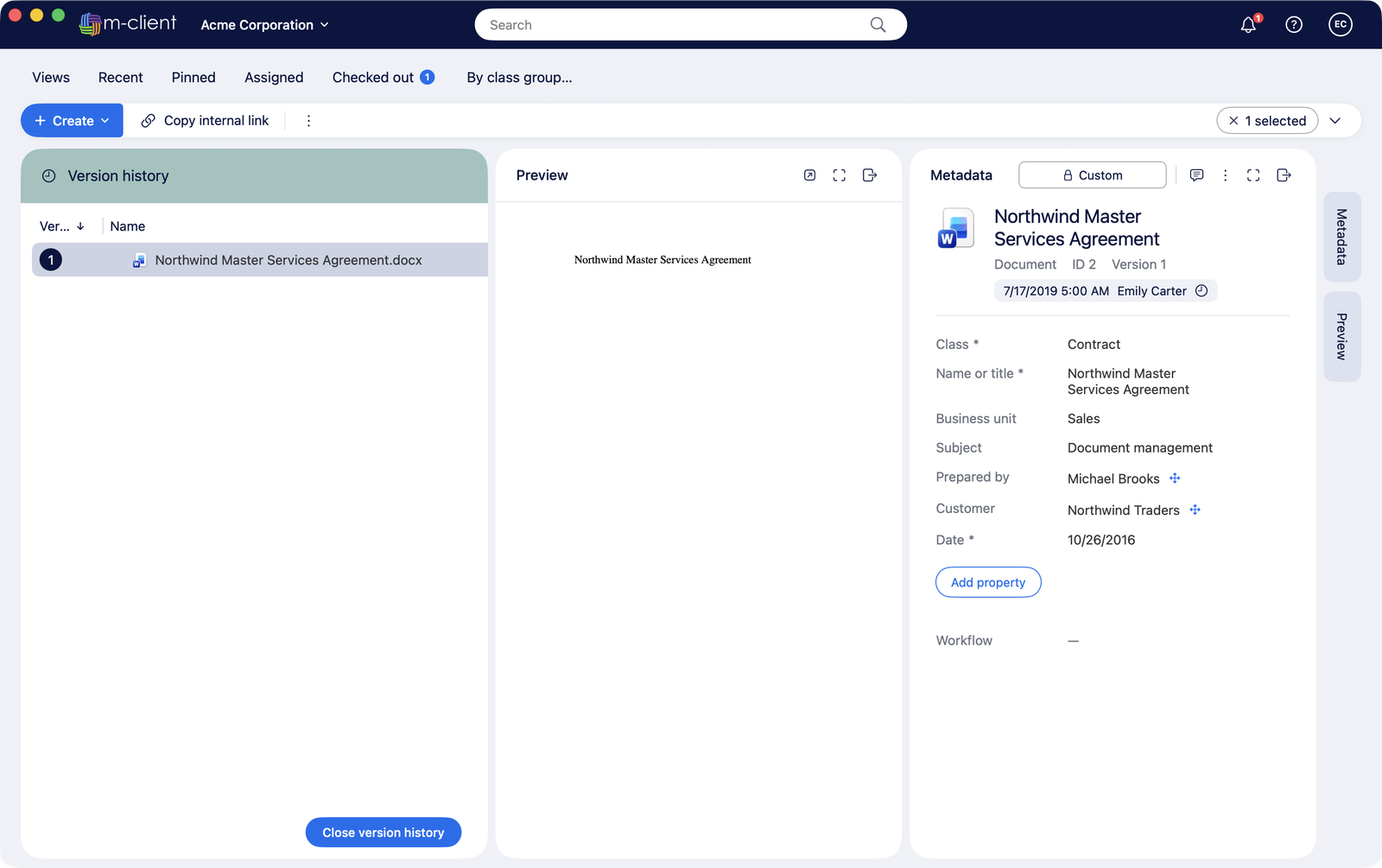
- Select a version to see its metadata and preview its files.
- Double-click an older version to open it read-only.
- Roll back to this version makes it the latest version again, as a new version.
- Close version history returns to the listing.
The Activity pane of the metadata card shows comments and changes per version.