Dark Mode and accent color
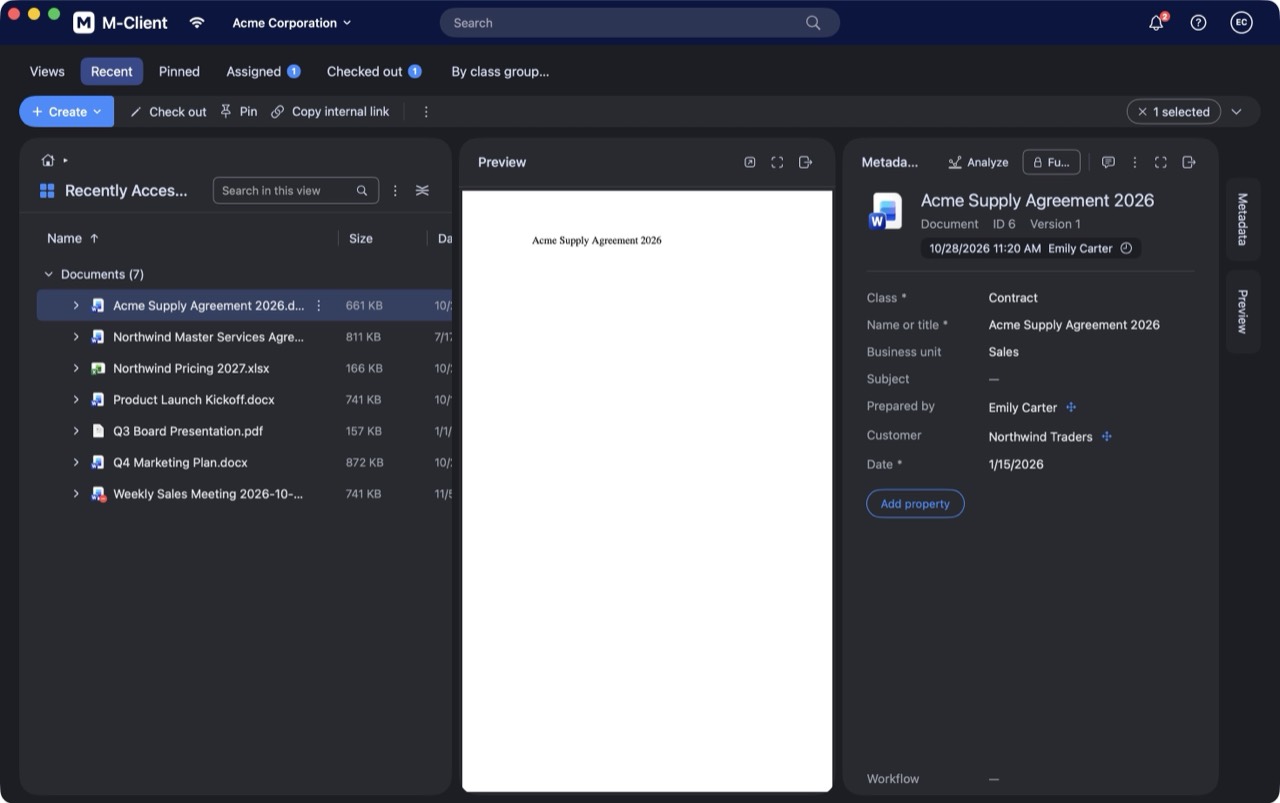
M-Client follows the appearance of your Mac, or keeps its own.
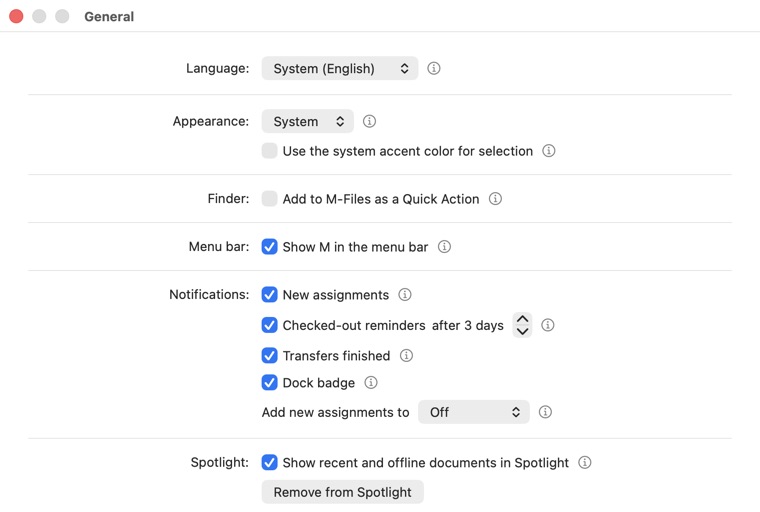
- Open M-Client ▸ Settings… (⌘,) ▸ General.
- Next to Appearance, choose System, Light or Dark. System switches together with macOS.
- Tick Use the system accent color for selection to show selections in the accent color you chose in System Settings ▸ Appearance.