
Activate M-Client on your Mac
Open M-Client ▸ License…. It also opens by itself when this Mac has no active license.
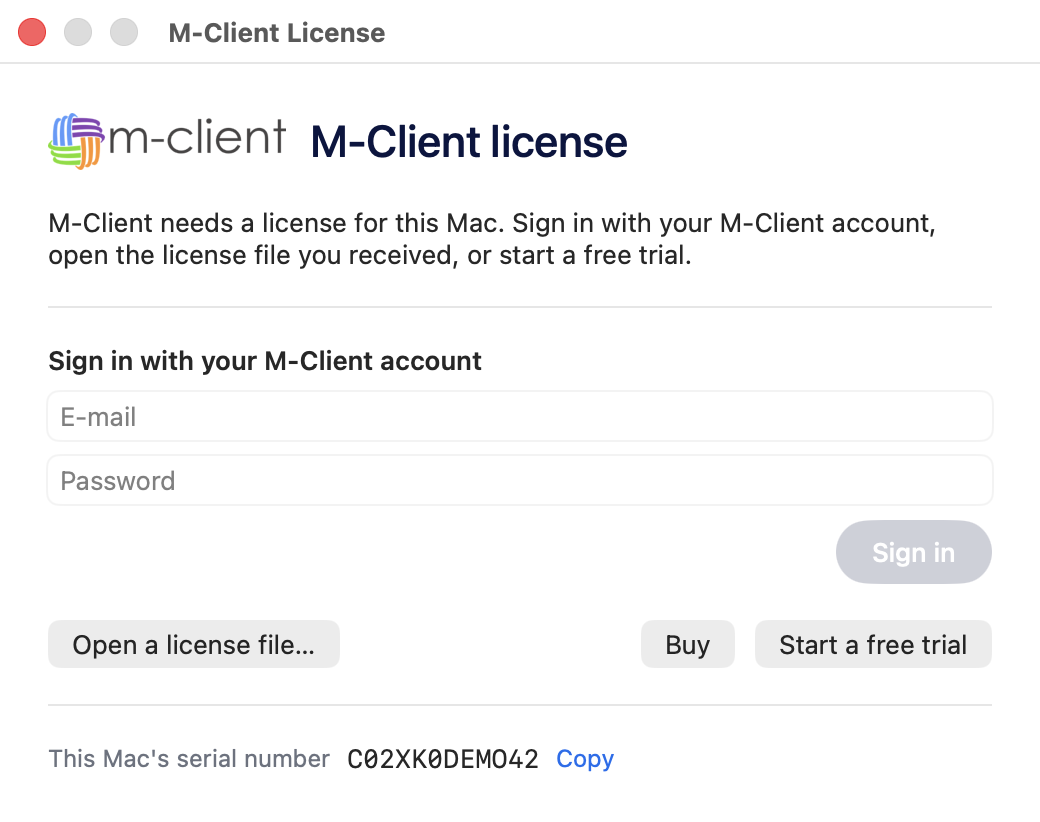
Sign in with your M-Client account
Enter the e-mail and password of your M-Client account. M-Client assigns a free license of your account to this Mac and activates it. If a license moved recently, the window tells you the date it can move again.
Open a license file
Your administrator can assign a license to your Mac in My licenses and send you the .lic file. Double-click it, or choose Open a license file… in the License window.
A license file only works on the Mac whose serial number it was made for.