
Move a document through a workflow
Metadata, workflows and permissions
The workflow and its current state are at the bottom of the metadata card, with the states the document can move to.
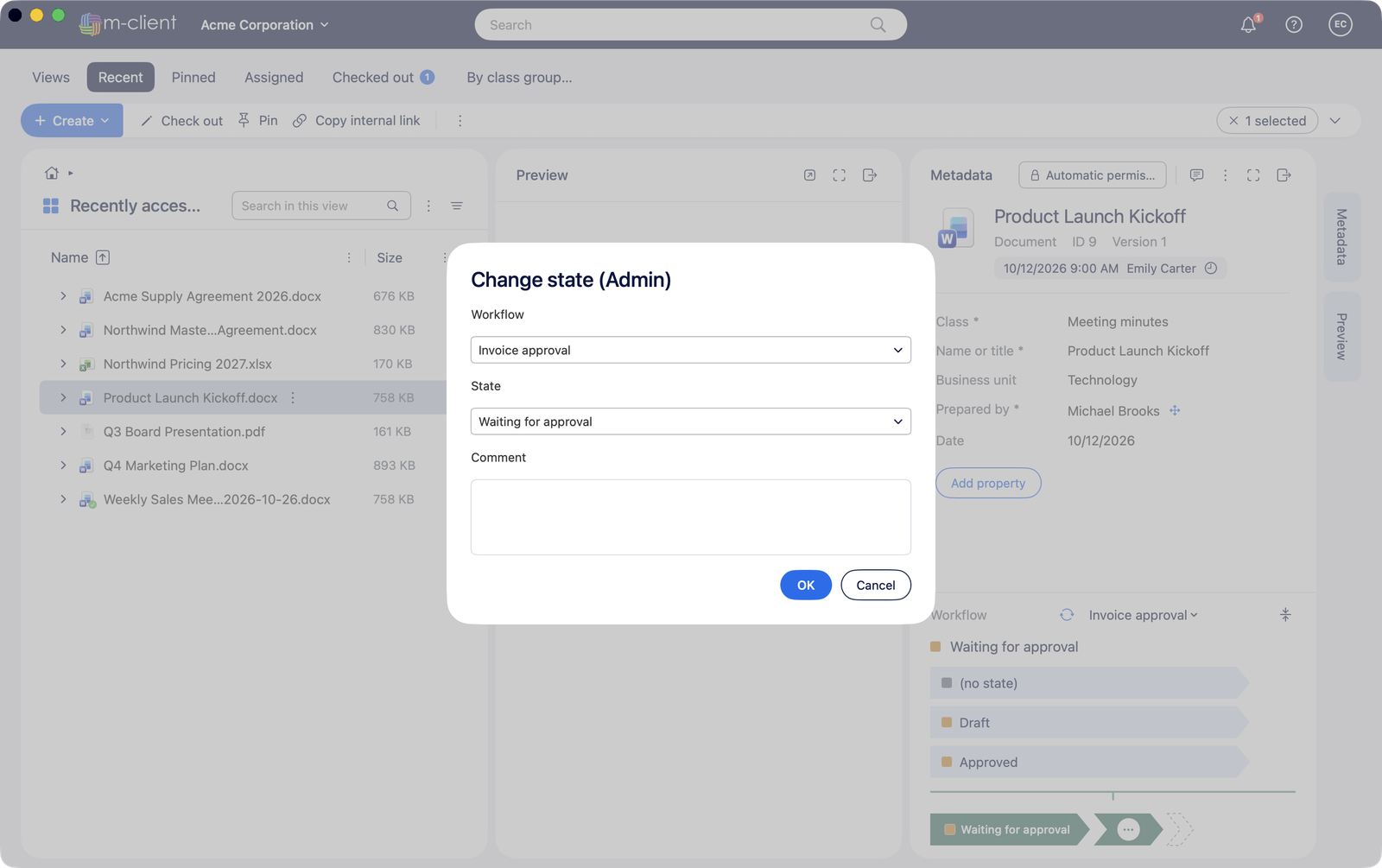
- Select the document and choose Change state from its context menu, or click the next state on the card.
- Pick the State. Only the transitions your vault allows are offered.
- Add a comment if you like, and click OK.
Documents assigned to you are in the Assigned tab.