
Edit the metadata card
Metadata, workflows and permissions
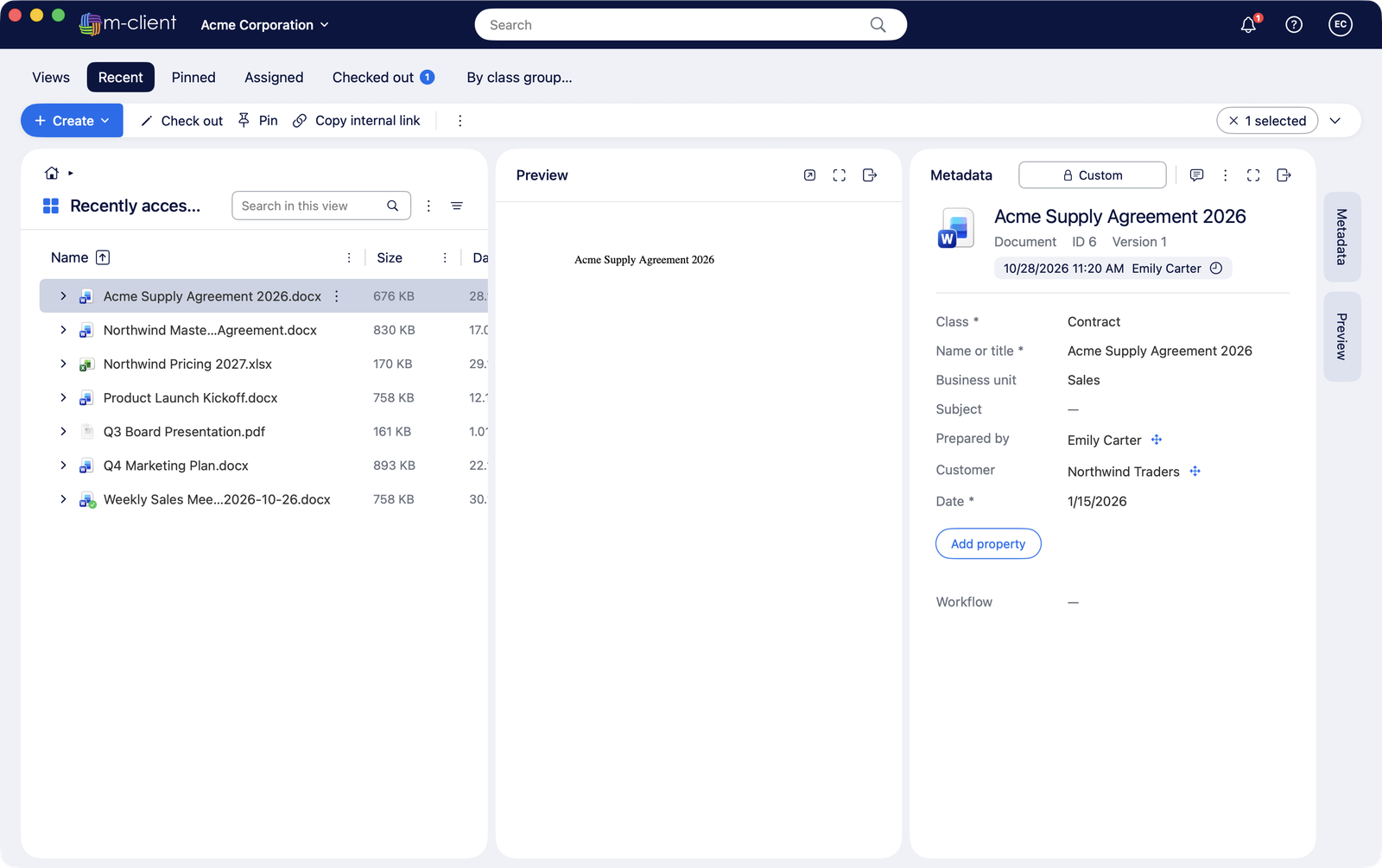
- Click a field to edit it. Lookups filter as you type and show recent values first.
- Add property adds an optional property; multi-select lookups add and remove values with + and −.
- Click Save (⌘S) or Discard. M-Client warns you before you leave unsaved changes.
Your vault's metadata card rules apply: hidden, read-only and required fields, property groups, labels and descriptions, exactly as in M-Files Web.
Auto-fill
When you pick an object in a lookup, M-Client offers to fill other fields from it, following your vault's auto-fill settings.