
Search your vault
- Type in the search field in the header and press Return. Recent searches are listed as you type, shared with M-Files Web. After three characters, Add filters suggests filters for your search.
- Open the advanced search to filter by object type and property values, and add more filters.
- Save as a view, at the bottom right of the results, keeps a search as a view, if you may create views.
- Inside a view, Search in this view searches only the documents of that view.
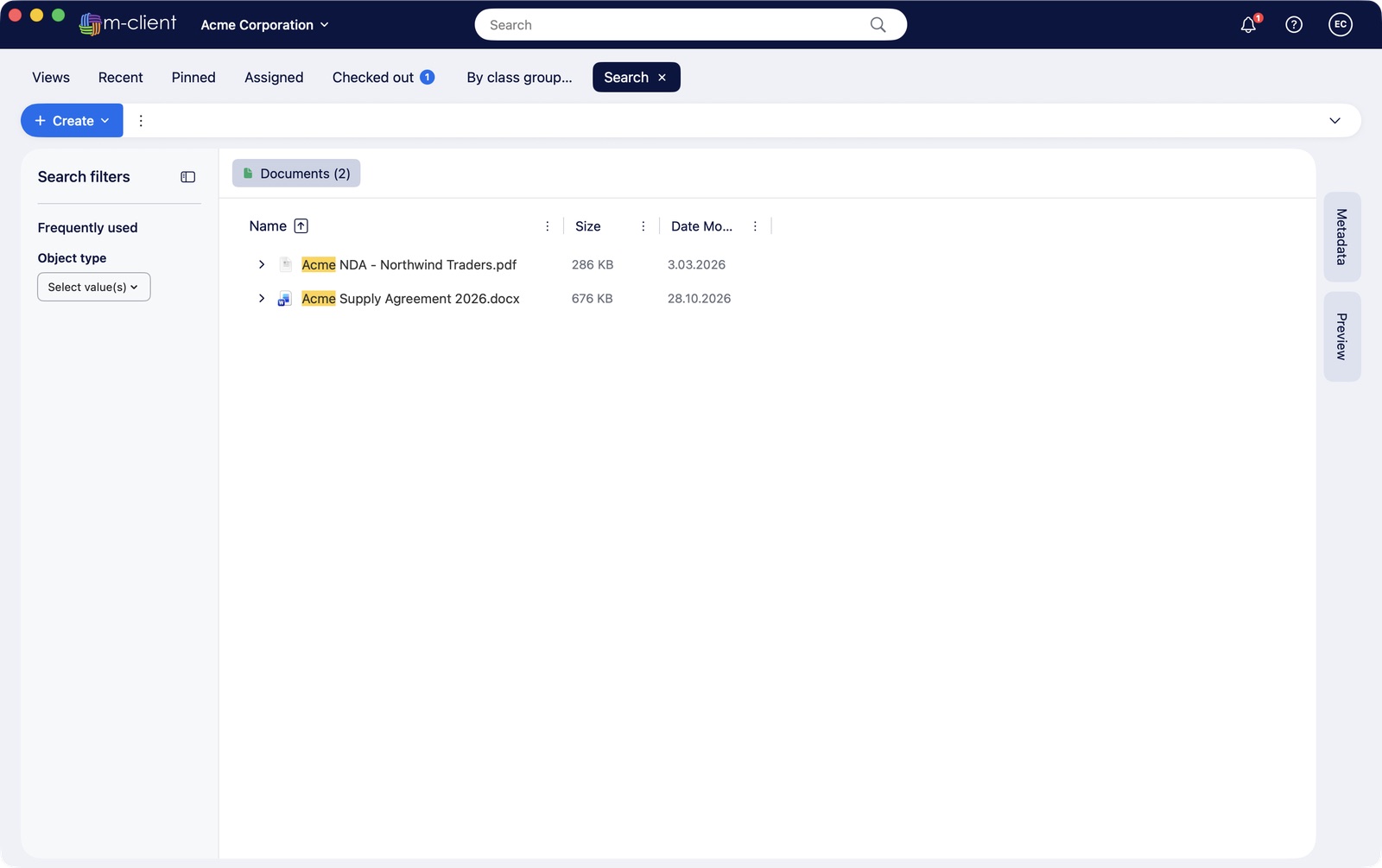
Results are grouped by object type with counts, best matches first.
M-Client searches metadata. Searching inside file contents is not available yet.